
Frequently Asked Questions
Where can I find the part number of a smoke alarm?
Hide Show
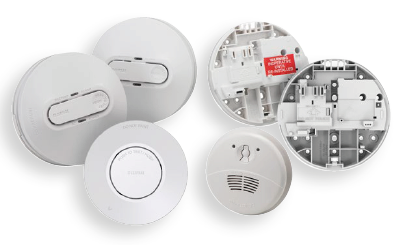
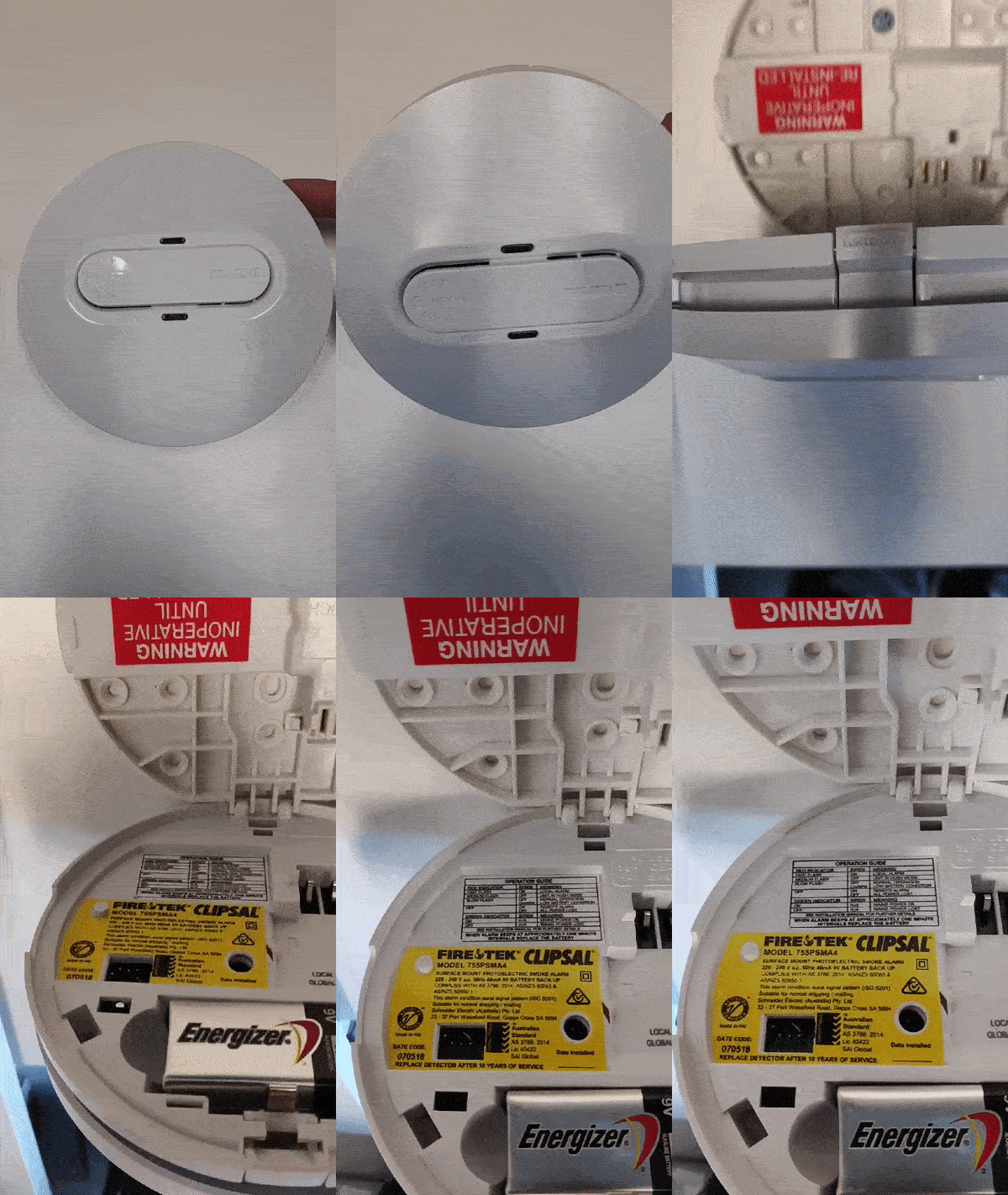
The part number can be found by opening the alarm and looking at the top left of the yellow sticker under where it says FIRETEK.

How to troubleshoot 755PSMA4 Smoke Alarm if it is beeping after replacing the battery ?
Hide Show
Red LED flashing once every 40 seconds with one audible beep is a low battery warning.
Replace the 9 V d.c. battery with a new one. (It is recommended to replace the battery annually)
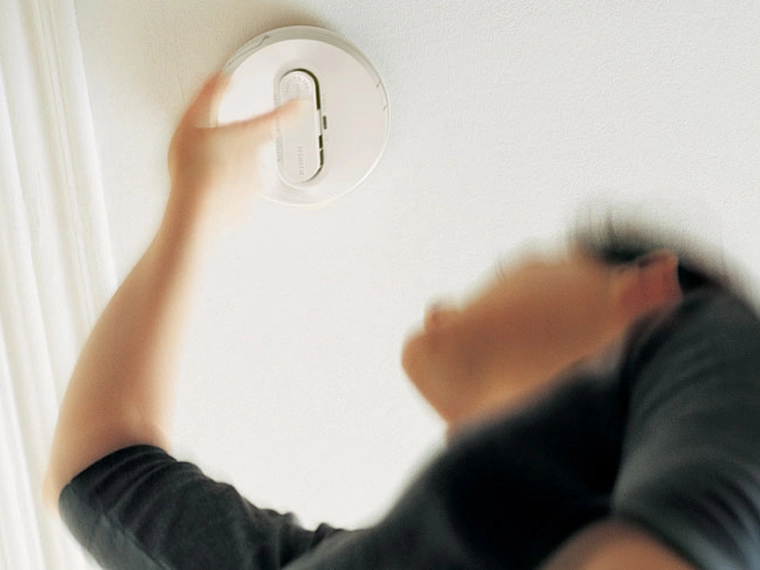
To snooze a low battery beep for 10 hours, press the Test/Hush button for 3 seconds.
And if the smoke alarm continues to beep once every 40 seconds after a new battery replacement,
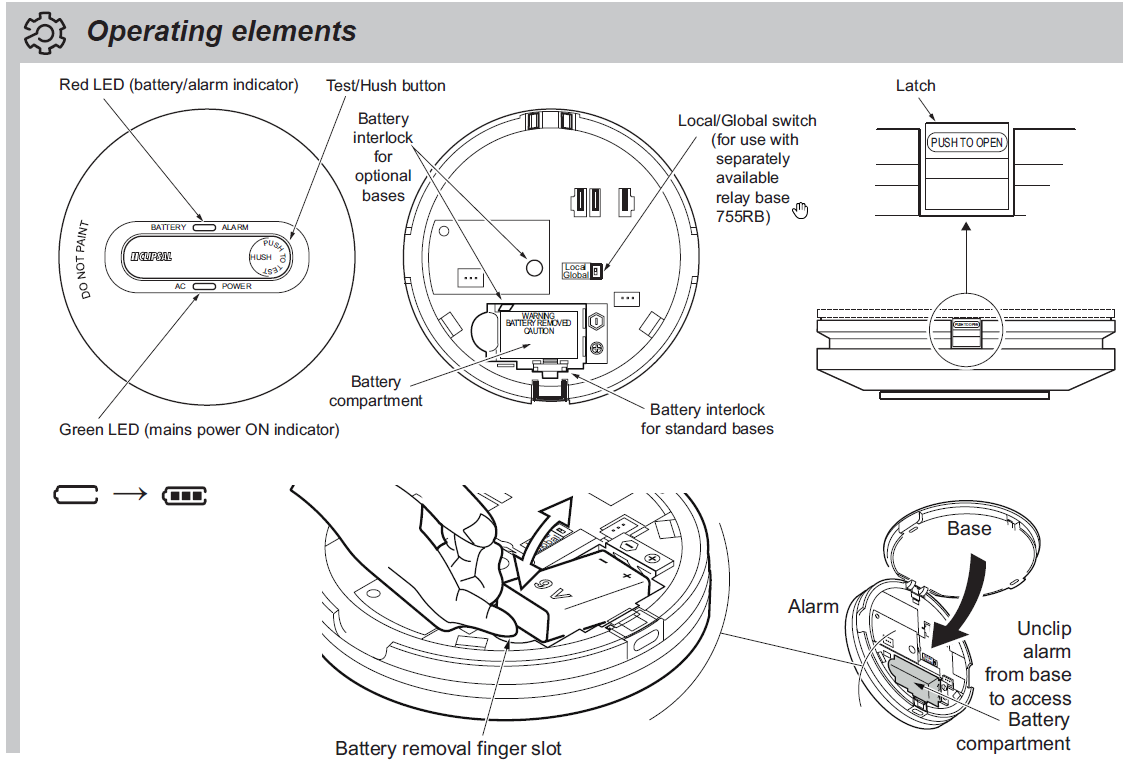
Replace the 9 V d.c. battery with a new one. (It is recommended to replace the battery annually)
To snooze a low battery beep for 10 hours, press the Test/Hush button for 3 seconds.
And if the smoke alarm continues to beep once every 40 seconds after a new battery replacement,
- Unclip the alarm from the base.
- Remove the new battery.
- Press and hold the test button for 20 seconds.
- Replace the new battery and clip it back to the base.
What causes the smoke alarm to continuously beep ?
Hide Show
The dust inside the smoke alarms can cause a continuous beep.
Please follow the regular maintenance check to avoid this.
Vacuum the smoke alarms using a soft brush attachment-
Keeping your smoke alarm free of dust particles, dirt, kitchen grease or cobwebs will help you reduce false alarms and ensure any smoke can easily reach the internal sensing chamber.
Clean and wipe down around unit-
Clean around the smoke alarm unit and remove any insects or other contamination which may have occurred. Spray bug repellent on a cloth and wipe the ceiling around the smoke alarm to act as a future bug deterrent. Clean every 3-6 months to mitigate insect ingress.
ALWAYS TEST THE SMOKE ALARM AFTER CLEANING.
Attached is the Clipsal smoke alarm troubleshooting guide for more info.
Please follow the regular maintenance check to avoid this.
Vacuum the smoke alarms using a soft brush attachment-
Keeping your smoke alarm free of dust particles, dirt, kitchen grease or cobwebs will help you reduce false alarms and ensure any smoke can easily reach the internal sensing chamber.
Clean and wipe down around unit-
Clean around the smoke alarm unit and remove any insects or other contamination which may have occurred. Spray bug repellent on a cloth and wipe the ceiling around the smoke alarm to act as a future bug deterrent. Clean every 3-6 months to mitigate insect ingress.
ALWAYS TEST THE SMOKE ALARM AFTER CLEANING.
Attached is the Clipsal smoke alarm troubleshooting guide for more info.
How do you Interconnect a 755RFB2 smoke alarm bases with a 755LPSMA4 smoke alarm?
Hide Show
See the below "How to video".
The part number for the products seen in this video is a 755RFB2 base and a 755LPSMA4 smoke alarm.
For further information please visit
Smoke alarm: https://www.clipsal.com/products/detail?CatNo=755LPSMA4&tab-document-1=1
Wireless base: https://www.clipsal.com/products/detail?CatNo=755RFB2&tab-document-1=1
The part number for the products seen in this video is a 755RFB2 base and a 755LPSMA4 smoke alarm.
For further information please visit
Smoke alarm: https://www.clipsal.com/products/detail?CatNo=755LPSMA4&tab-document-1=1
Wireless base: https://www.clipsal.com/products/detail?CatNo=755RFB2&tab-document-1=1
Where can I find the manufacturing date of a smoke alarm?
Hide Show
The date code can be found by opening the alarm and looking at the bottom left hand corner of the yellow sticker.
Is your Smoke Alarm older than 10 years?
If your smoke alarm is older than 10 years, it’s time to install a new one! Click the link below to find a PDL partnered electrician nearby who can handle the install for you.